Generative AI can produce, transform, summarize, classify, and brainstorm content, but it does not truly know whether every output is accurate. To use it well, treat it as a probabilistic assistant that needs context, verification, and human judgment.
AI capability snapshot
Use generative AI for drafting, idea expansion, code assistance, summarization, data explanation, translation support, and pattern finding. Do not use it as an unquestioned authority for facts, legal decisions, medical advice, financial commitments, security-sensitive code, or anything requiring private data protection without proper controls.
Start with the basic mechanism
Generative AI systems learn patterns from training data and produce outputs based on prompts and context. Large language models predict plausible text. Image models generate visual patterns. Code models suggest code based on patterns in programming examples. The output can be useful, but plausibility is not the same as truth.
NIST's AI Risk Management Framework provides a risk-based way to think about trustworthy AI, and NIST's Generative AI Profile identifies risks and suggested actions specific to generative AI. The verified fact is that responsible AI guidance treats risk management as an ongoing process. The practical analysis is that everyday users can borrow the same mindset: define the task, identify the risk, verify the output, and keep humans accountable.
What generative AI is good at
Generative AI is useful when the task benefits from language patterns, examples, or alternative phrasings. It can turn rough notes into a first draft, explain a technical concept at different reading levels, create outlines, compare options, summarize long documents, write boilerplate code, and help brainstorm names or questions.
It is also useful as a thinking partner. A good prompt can ask the model to list assumptions, identify missing information, suggest test cases, or rewrite an explanation for a beginner. In these cases, the value is not that the AI is always right. The value is that it speeds up a human review cycle.
For document workflows, craftcanvas.net/'s guide to PDF and e-sign tools connects to AI use because organizations increasingly combine AI drafting with document review, approval, and storage.
What generative AI is weak at
Generative AI can make up details, cite sources inaccurately, miss recent changes, misunderstand niche context, and produce confident but flawed reasoning. It can also reflect bias in data, follow a bad prompt too literally, or expose sensitive information if users paste data into tools without proper privacy controls.
It is especially risky when the output sounds fluent. People are more likely to trust polished language. That is why factual tasks need citations, direct source checks, calculations need verification, and code needs testing.
A safe workflow for AI-assisted tasks
- Define the job in one sentence.
- Decide whether the task is low, medium, or high risk.
- Provide only the context needed for the task.
- Ask for assumptions and uncertainty.
- Verify factual claims against reliable sources.
- Test code, formulas, or instructions before relying on them.
- Keep the human decision-maker responsible.
This workflow works for students, marketers, small business owners, developers, and general computer users. The level of verification should rise with the consequences of being wrong.
Capability and risk table
| Task | AI can help with | Human must still check |
|---|---|---|
| Blog outline | Structure, headings, gaps | Search intent, originality, factual accuracy |
| Code snippet | Boilerplate and examples | Security, tests, dependencies, edge cases |
| Research summary | Themes and plain-English explanations | Sources, quotes, dates, and omitted context |
| Email draft | Tone and clarity | Recipient details and sensitive information |
| Data explanation | Patterns and possible interpretations | Calculations, data quality, and causation claims |
| Creative prompt | Variations and style directions | Brand fit, rights, and accuracy |
Prompting without overtrusting
A better prompt includes role, task, context, constraints, output format, and verification request. For example: "Explain this concept for a beginner, list assumptions, and mark anything that needs external verification." That final clause changes the relationship. You are not asking the system to be an oracle. You are asking it to help you review.
Avoid pasting confidential client information, passwords, private keys, unreleased business plans, or personal data unless the tool and your organization allow that use. Privacy settings and enterprise controls vary, so do not assume every AI product handles data the same way.
Build an AI review habit
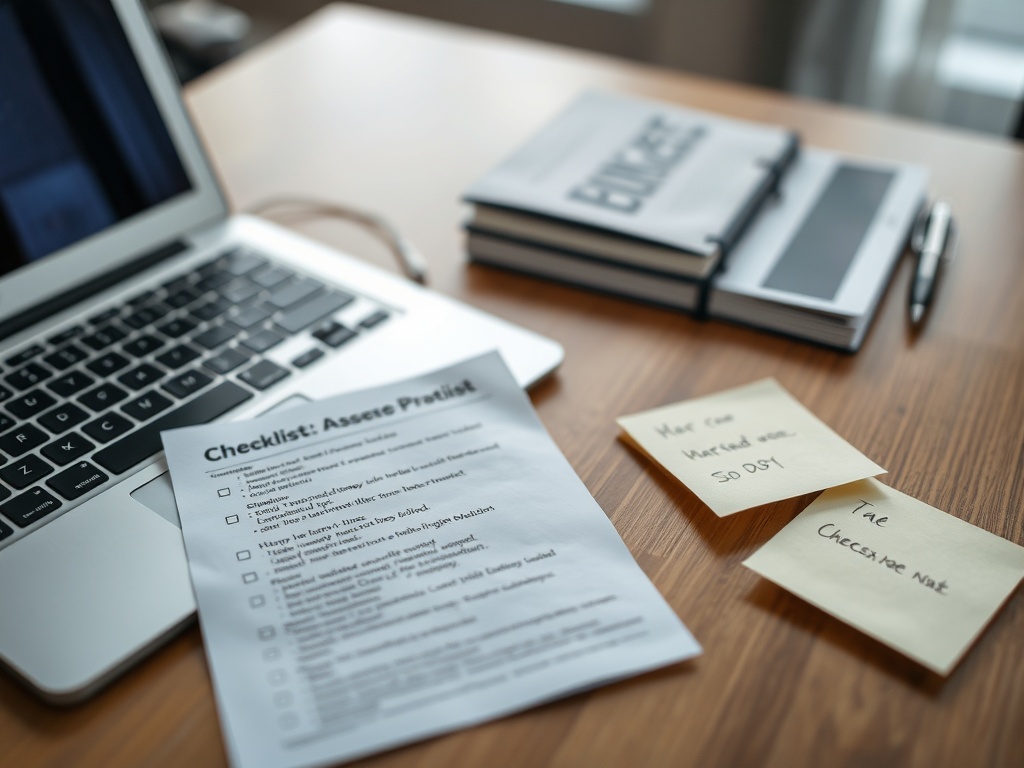
Create a personal review checklist for AI-assisted work. Mark which claims need sources, which names or dates must be verified, which calculations need recalculation, and which private details should be removed before sharing. For code, add tests before trusting the suggestion. For content, check that the draft matches the intended audience and does not overstate certainty. A checklist turns vague caution into repeatable behavior.
When to escalate to expert review
Escalate when the output affects money, health, legal obligations, security, hiring, regulated decisions, or public claims about people and companies. AI can help prepare questions for an expert, but it should not replace expert accountability.
For readers thinking about broader internet habits, craftcanvas.net/'s article on digital wellbeing trends is relevant because AI tools can increase productivity while also increasing screen time, notification load, and information dependency.
Keep a source trail
When AI helps with research, keep a separate source trail. Save the official pages, reports, documentation, or datasets that confirm the final claims. Do not treat a generated bibliography as proof. For work content, note which parts were AI-assisted and which parts were verified by a person. That habit protects accuracy and makes later edits easier because the next reviewer can see where the information came from clearly and quickly later. It also discourages overconfident claims when the real source is incomplete, outdated, or outside the model's knowledge.
A grounded way to use generative AI
Generative AI is best understood as a fast assistant with uneven reliability. It can reduce blank-page friction, explain concepts, and produce useful drafts. It cannot guarantee truth, judgment, ethics, or context by itself.
Your next step is to choose one low-risk task and run it through the seven-step workflow above. Practice verification on something simple before using AI for work that carries real consequences.